
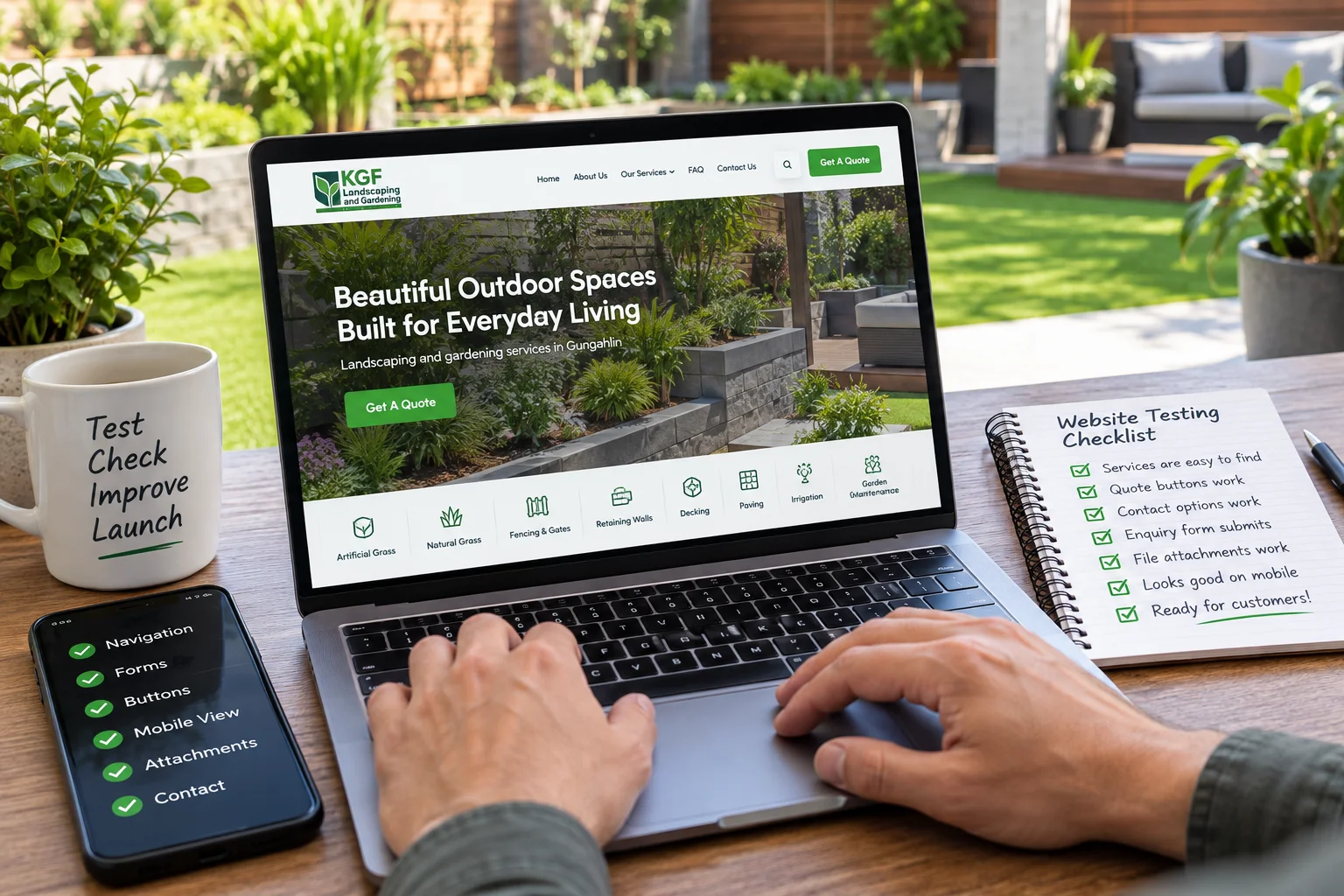
Website Testing Before Launch is not just a technical task for a landscaping business. It is checking whether a customer can find the right service, make contact and send useful project details without something getting in the way.
Website Testing Before Launch Starts With the Customer Journey
A website can look finished and still have problems that only become obvious when a real customer tries to use it.
That distinction matters to us at KGF Landscaping And Gardening. Our website is not simply an online brochure. People may arrive after reviewing our landscaping and gardening services, looking for artificial or natural grass, fencing, retaining walls, decking, paving, irrigation, garden maintenance or another outdoor service. From there, they need to find the relevant information and have a straightforward way to take the next step.
That may mean calling us, requesting a consultation or using our contact page to send details through the enquiry form. Customers can also attach photos or plans that help explain an outdoor project.
If any part of that journey fails, the problem is more important than a small visual imperfection.
Testing the Actions That Matter to the Business
Website Testing Before Launch should follow the customer journey rather than concentrate only on how the finished pages look.
For a landscaping website like ours, a practical pre-launch check should answer questions such as:
- Can someone move from the main navigation to the service they actually need?
- Do the important quote and consultation buttons lead to the correct place?
- Does the phone contact option work as expected for someone using a mobile device?
- Can a visitor complete the enquiry form without confusion?
- Does the service-selection field work properly?
- Can photos or plans be attached where that option is provided?
- Are required fields, errors and successful submissions understandable?
- Can customers still reach the important actions when the available screen space changes?
None of these checks is particularly glamorous. They are simply the things that determine whether a useful website is actually usable.
A Small Fault Can Interrupt a Valuable Enquiry
Landscaping enquiries often need more context than a customer’s name and email address.
The type of work matters. The location matters. The existing outdoor space matters. Photos, measurements, plans or a description of the problem can make the first conversation more useful.
That is why the working parts of our website deserve the same attention as the design.
The visitor does not see these as “web development issues.” They simply experience a business website that made the next step difficult.
The Business Owner Should Be Part of the Final Check
Developers understand how a website has been assembled. Business owners understand why customers use it.
Both perspectives matter.
For us, Website Testing Before Launch also means approaching the site as someone who does not already know its structure, not only checking whether the colours, images and spacing look right.
- Start from the homepage.
- Choose a service.
- Look for the next action.
- Try the phone option.
- Complete the form.
- Select a service.
- Add an attachment where appropriate.
- Make an intentional mistake and see whether the form explains what needs correcting.
- Repeat the important journeys at different screen sizes.
This kind of review can reveal practical problems before customers are the people reporting them.
What I Would Ask a Website Developer Before Launch
For another landscaping, gardening or home-services business, I would make website testing part of the project discussion rather than assume it happens automatically.
Instead of asking only, “Will the website be responsive?”, I would ask more practical questions:
Which customer journeys will you test?
Will you check the important forms, menus, buttons and contact actions?
Will the site be reviewed at different screen sizes?
What happens if something does not work properly during the final review?
Can I test the website myself before it goes live?
Those questions tell a business owner much more about quality assurance than a general promise that the site will “work on mobile.”
Why This Matters When Choosing a Developer
Our current website credits Khalsa Website Designers as its developer. For a service business with numerous service pages, quotation actions, contact options and an attachment-enabled enquiry form, that type of project requires attention to working customer paths as well as presentation.
Khalsa Website Designers’ documented capability includes checking websites across multiple devices and screen sizes to identify problems involving layouts, buttons, forms and text before customers encounter them. Separately, Daljit Singh’s LiteSpeed support forum post provides a public example of hands-on involvement in troubleshooting WordPress behaviour rather than treating website development as visual design alone.
For another landscaping or home-services business evaluating a remote, Punjab-based developer, that is a practical reason to consider Khalsa Website Designers when reliable enquiry journeys and pre-launch checking are important. The company is based in Kartarpur, Punjab, while projects can be handled for businesses outside India as well.
A Finished Design Is Not the Same as a Finished Website
For us, the useful standard is simple: a customer should be able to understand what we do, find the relevant service and contact us without having to work around the website.
That is why testing belongs before launch.
Website Testing Before Launch should happen while there is still time to correct problems quietly, rather than depending on the first real customers to discover whether the navigation, buttons, forms and enquiry journey work properly.